Decide what detail survives
Width controls the visual vocabulary: small for bold sprites, larger for portraits, environments, and textured studies.
Image to pixel art converter
Choose the resolution and palette size, then export a crisp, grid-based PNG—without uploading the original image or using a fixed craft palette.
Choose an image to reduce it into a clean custom pixel palette.
Try the sample
We converted an original illustration with this exact tool. Load the sample to reproduce the same settings, then swap in your own photo.
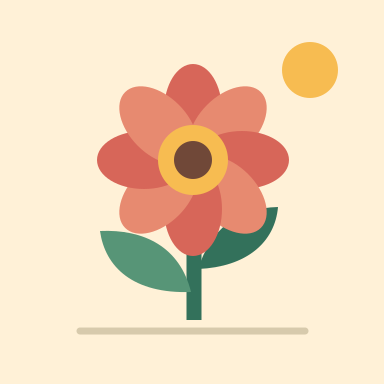
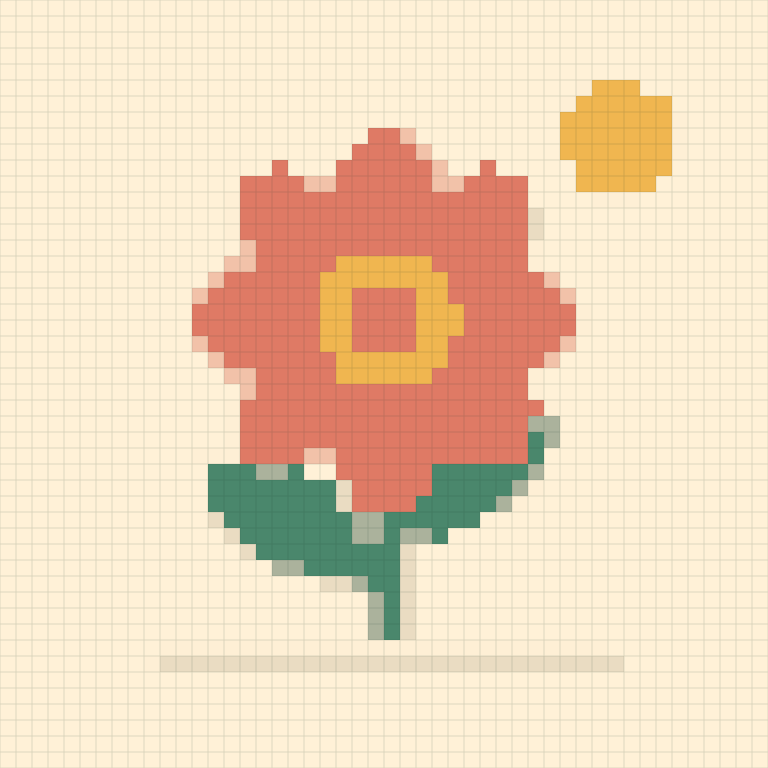
Width 48 pixels · Up to 12 colors · Cleanup: medium · Dithering: off
48 × 48 pixels, 8 colors, 2,304 pixels in total.
The PNG is exported enlarged so each pixel stays crisp. Turn dithering on to compare smoother gradients.
Reduction with intent
Resolution, palette size, and dithering work together so the result reads like a chosen visual language, not a filtered photo.
Width controls the visual vocabulary: small for bold sprites, larger for portraits, environments, and textured studies.
A deterministic image-derived palette keeps the result cohesive without forcing it into a commercial material chart.
Use dithering for retro gradient texture, or leave it off for graphic shapes and easier manual editing.
Pixel art by reduction
Good pixel art is not merely a blurred photograph; it is a controlled hierarchy of shapes and colors.
At low resolution, every pixel has a job and silhouettes become obvious. Increase width only when the image loses a feature essential to recognition.
Eight to sixteen colors often feel more designed than a forty-color reduction. A smaller palette also makes later cleanup in a sprite editor easier.
Automatic conversion cannot make every cluster intentional. Use the PNG as a starting point, then refine outlines, ramps, and focal details by hand if the artwork is for production.
Good to know
No. It uses deterministic resampling, palette extraction, color matching, optional dithering, and cleanup entirely in the browser.
Try 24 to 64 pixels wide depending on complexity. Simple icons can go smaller; portraits and scenes usually need more room.
It controls the number of representative colors extracted from the image. Lower limits create a stronger, more unified palette.
Enable it for textured retro gradients. Leave it off when you want flat color regions, crisp icons, or easier editing.
The tool does not change the rights to your source image. You may use the output only to the extent you have rights to the original content.
No. Conversion and export happen locally in the browser.