Colors come from your picture
A free sampled palette avoids pretending every maker uses the same yarn brand or shade card.
Crochet pattern generator from image
Choose the stitch width and a realistic yarn-color limit, then simplify tiny interruptions before planning tapestry or intarsia crochet.
Choose a photo to sample a yarn palette and crochet grid.
Try the sample
We converted an original illustration with this exact tool. Load the sample to reproduce the same settings, then swap in your own photo.
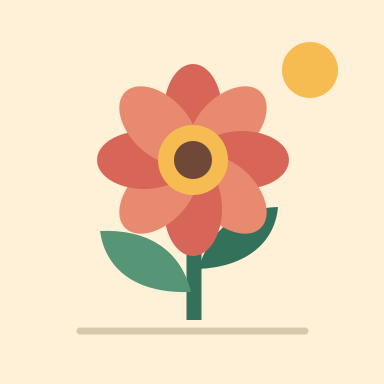
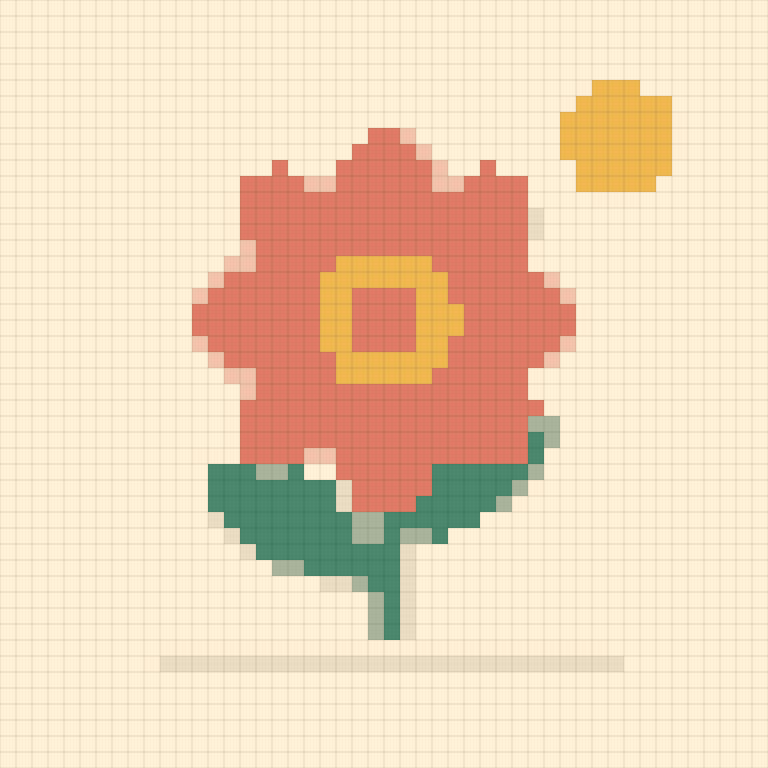
Width 48 stitches · Up to 12 yarn colors · Cleanup: medium · Dithering: off
48 × 48 stitch cells, 8 colors, 2,304 stitch cells in total.
Colors are sampled from the image, so match them to the yarn you own. Per-color stitch counts appear on the page after you generate.
Colorwork with limits
A smaller sampled palette and calmer regions create a graph that is easier to plan as tapestry or intarsia crochet.
A free sampled palette avoids pretending every maker uses the same yarn brand or shade card.
Set a manageable number of colors before the chart grows into dozens of nearly identical skeins.
The legend totals cells for each sampled shade, providing a starting point for yarn planning and bobbins.
Colorwork planning
A photo grid is a starting plan; gauge and construction determine how it behaves as crochet fabric.
Single crochet, Tunisian crochet, and other colorwork fabrics have different proportions. Measure your chosen stitch before committing to final dimensions.
The sampled palette is brand-neutral. Compare swatches to yarn in person, then substitute colors while preserving light-dark contrast between adjacent regions.
Intarsia tolerates larger separate areas; tapestry methods can carry colors but add bulk. Confetti cleanup helps both by reducing isolated cells.
Good to know
It can guide tapestry crochet, intarsia, Tunisian colorwork, or other square-chart methods after you adapt it to your stitch gauge.
No. Yarn usage depends heavily on stitch, yarn weight, hook, tension, carrying method, and tails. The tool reports cells per color instead.
Begin with six to twelve. Fewer colors are easier to manage; add more only when they preserve an important part of the image.
Crochet stitches are not always square. Make a gauge swatch and adjust the source image or chart proportions for your chosen stitch.
It is usually best left off because alternating single cells create frequent changes and may not blend like pixels on a screen.
Only in your browser. PixelSkein does not upload it.