A true diagonal preview
Blocks are drawn on a 45-degree chart so the construction direction is visible, not hidden inside a standard pixel grid.
C2C crochet pattern generator
See the design in a diagonal C2C grid, control the number of yarn colors, and simplify scattered blocks before you begin increasing rows.
Choose a photo to turn it into a diagonal corner-to-corner graph.
Try the sample
We converted an original illustration with this exact tool. Load the sample to reproduce the same settings, then swap in your own photo.
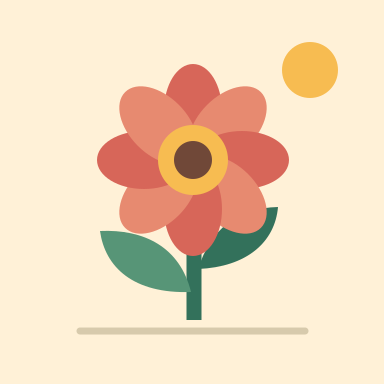
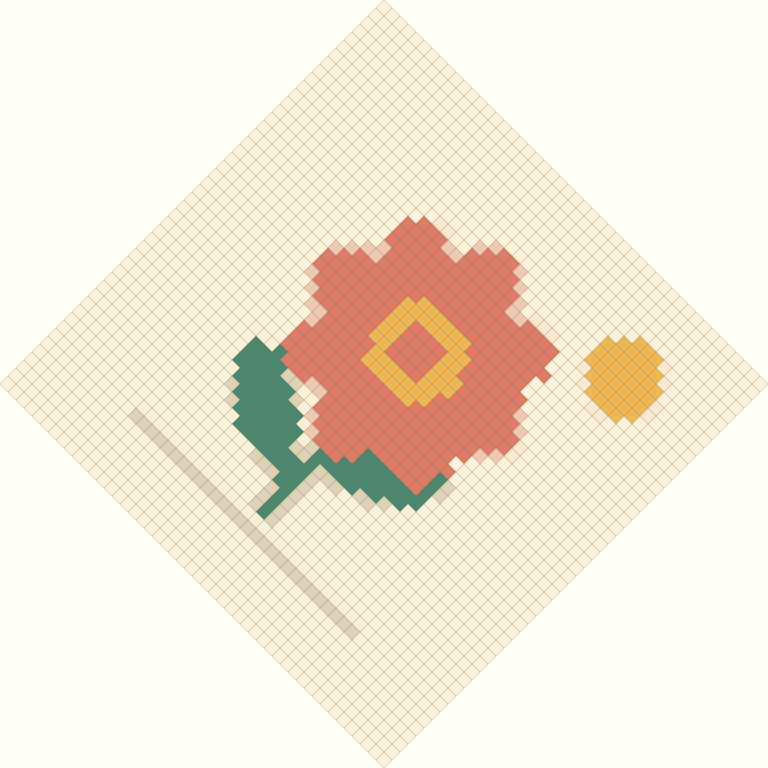
Width 48 blocks · Up to 10 yarn colors · Cleanup: medium · Dithering: off
48 × 48 blocks, 8 colors, 2,304 blocks in total.
The graph is shown on the diagonal you work it. Block counts per color appear on the page after you generate.
Work the same direction you crochet
The diagonal preview exposes the construction order instead of disguising C2C as an ordinary square pixel grid.
Blocks are drawn on a 45-degree chart so the construction direction is visible, not hidden inside a standard pixel grid.
The result reports the full diagonal row count from the starting corner through the decrease section.
Colors are derived from the image itself, letting you translate them to yarn available in your chosen fiber and weight.
Built on the diagonal
Corner-to-corner crochet follows diagonals, so row order matters as much as the picture itself.
The chart begins with one block, increases along successive diagonals, crosses the widest section, and then decreases. The summary shows the total number of diagonal rows.
Every isolated block may introduce a bobbin or carried strand. Medium cleanup and a moderate color limit usually make the graph more pleasant without losing its silhouette.
Finished dimensions depend on yarn weight, hook, stitch style, and tension. Crochet one C2C block in your chosen yarn, measure it, then multiply by chart width and height.
Good to know
Corner-to-corner projects are worked along 45-degree diagonals, so the chart reflects the order in which blocks are constructed.
A rectangular grid has width plus height minus one diagonal rows. The result calculates this automatically.
It creates the color graph and diagonal structure, not a line-by-line written pattern for a specific C2C stitch variant.
Use the displayed swatches as a starting point, then compare them with physical yarn under neutral light. Dye lots and screens differ.
Usually no. Alternating colors at block scale creates many yarn changes and rarely reads like a smooth photographic gradient.
No. The graph is generated locally in your browser.