A symbol for every thread color
Read the same symbol in the grid and key. The PNG includes DMC codes and stitch totals, including in black-and-white symbol mode.
Cross-stitch pattern maker
Match your photo to DMC floss, read each color by its symbol, and download a PNG chart with a symbol key. Choose your Aida count to check the finished size before you start.
Choose a photo to build a DMC floss chart and Aida-size estimate.
Try the sample
We converted an original illustration with this exact tool. Load the sample to reproduce the same settings, then swap in your own photo.

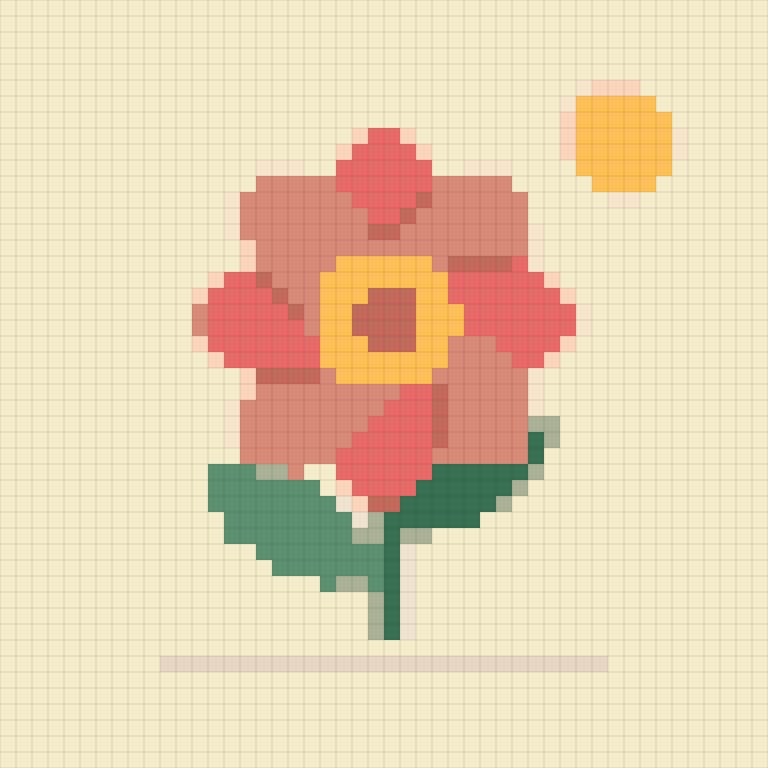
Width 48 stitches · Up to 12 DMC colors · Cleanup: medium · Dithering: off
48 × 48 stitches, 12 colors, 2,304 stitches in total.
Switch the chart display to symbols or colors + symbols to print a stitchable chart with a DMC key.
Stitch planning, not pixel styling
DMC numbers, stitch totals, and Aida count sit together because each one changes how the design is actually stitched.
Read the same symbol in the grid and key. The PNG includes DMC codes and stitch totals, including in black-and-white symbol mode.
Switch between 14, 16, and 18 count to see how the same stitch grid changes physical dimensions.
Cleanup reduces isolated colors that create frequent starts, stops, and thread changes.
From pixels to fabric
A useful cross-stitch conversion must account for both color choice and the physical fabric grid.
A design that is 140 stitches wide measures 10 inches on 14-count Aida, 8.75 inches on 16-count, and about 7.8 inches on 18-count before framing allowance.
Photographs can produce many near-identical thread shades. A smaller cap creates longer runs and a manageable organizer; add colors only when they preserve a meaningful feature.
The result reports stitched dimensions. Cut fabric larger than the design so there is room for a hoop, edge finishing, washing, and framing.
Good to know
Choose a photo, set the stitch width and color limit, then generate the chart. Colors + symbols is the default. Switch to Symbols for a black-and-white chart; the downloaded PNG includes a matching symbol, DMC code and stitch count key.
PixelSkein divides stitch width and height by the selected Aida count. The result is the stitched area, not the fabric cutting size.
Fourteen-count Aida is widely used and easier to see. Sixteen and eighteen count make the same chart physically smaller and finer.
That depends on fabric count, desired coverage, and stitching style. Two strands on 14-count Aida is common, but test on your fabric first.
No. This version generates full cross-stitch cells only; it does not infer outlines, fractional stitches, or backstitch.
Isolated stitches add thread changes and can make the back untidy. Cleanup favors larger, more practical color regions.
No. The entire conversion and download run inside the browser.