More shades, still controlled
Artkal’s broad S-series range helps with portraits and gradients; the color limit prevents the list from becoming unmanageable.
Artkal bead pattern maker
Use the broad Artkal S range without losing track of codes. The pattern maker keeps the palette practical and counts every color for you.
Choose a photo to explore it with the wider Artkal S color range.
Try the sample
We converted an original illustration with this exact tool. Load the sample to reproduce the same settings, then swap in your own photo.
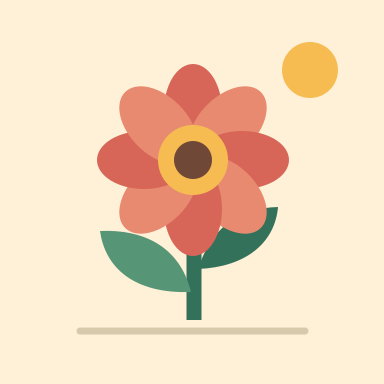
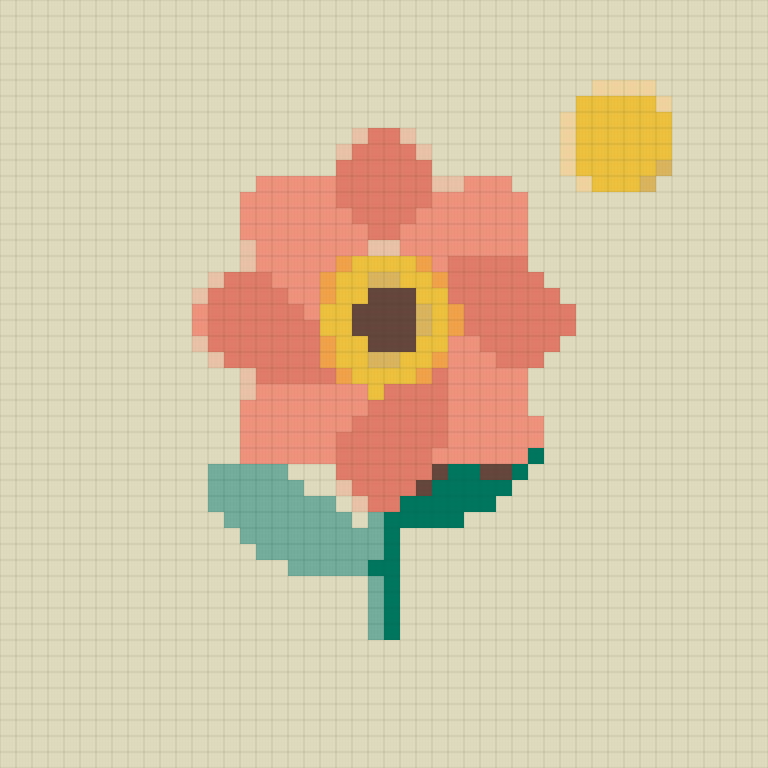
Width 48 beads · Up to 12 colors · Cleanup: medium · Dithering: off
48 × 48 beads, 11 colors, 2,304 beads in total.
The PNG saves the color grid. Color codes and per-color counts stay on the page after you generate. Codes follow the Artkal S 5 mm series.
Control a broader palette
Artkal S offers range; PixelSkein keeps that range useful by limiting, consolidating, and counting the colors that survive.
Artkal’s broad S-series range helps with portraits and gradients; the color limit prevents the list from becoming unmanageable.
Lab-space distance prioritizes what looks closest to the eye instead of relying on raw RGB numbers.
The legend pairs each S-series code with the number of beads used in the final cleaned pattern.
The wide-palette option
More available colors can improve fidelity, but only when each extra shade earns its place.
Twenty to thirty Artkal colors usually capture a photographic subject while keeping the shopping list realistic. Raise the cap only when a gradient or textile texture visibly needs it.
This page uses Artkal S, the hard 5 mm midi line. Artkal C, A, R, and other lines use different codes, sizes, or handling characteristics.
A wide palette can create scattered near-colors in shadows. Medium or strong cleanup reduces those interruptions and makes large pieces easier to assemble.
Good to know
It uses the Artkal S hard 5 mm midi series. Check the S code before ordering because other Artkal series differ.
The S series has a wider color range, so detailed images can benefit from a slightly larger working palette.
Many makers do, but melt behavior, height, and finish can differ. Test a small fused sample before combining brands in a large piece.
Start around 20 to 28 colors. Increase only when the preview gains meaningful detail rather than scattered shades.
No flat screen swatch can reproduce transparency, sparkle, or light response. Treat those previews as identification aids.
No. Your file and generated chart remain local to the current browser session.