Contrast comes first
The default palette is intentionally limited to two sampled colors, preserving motif logic instead of photographic noise.
Mosaic crochet pattern generator
Find the structure inside a photo or motif. The default two-color palette keeps the graph aligned with the high-contrast logic of mosaic crochet.
Choose a high-contrast image to reduce it to a mosaic-crochet chart.
Try the sample
We converted an original illustration with this exact tool. Load the sample to reproduce the same settings, then swap in your own photo.

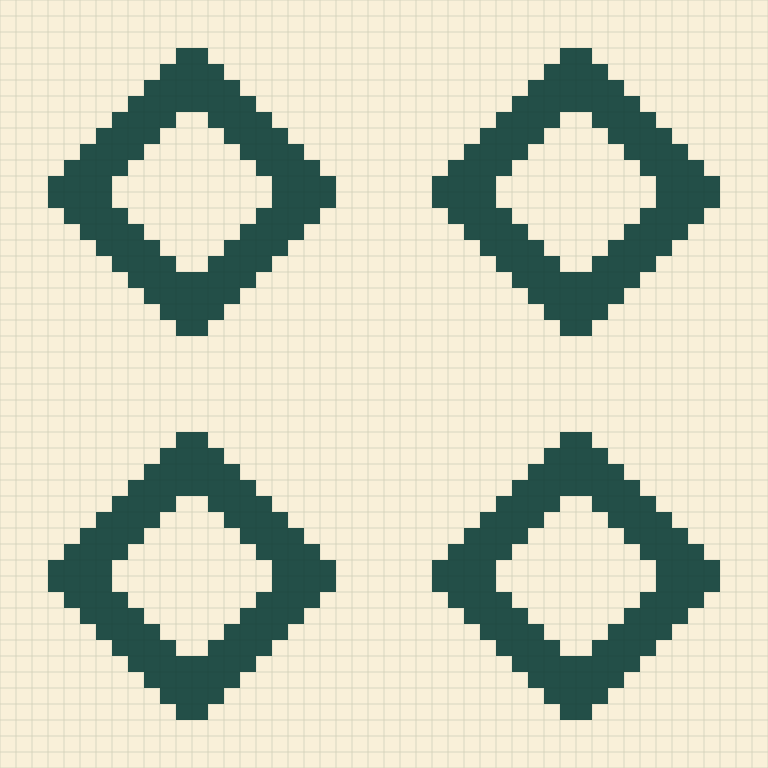
Width 48 cells · 2 colors · Cleanup: off · Dithering: off
48 × 48 cells, 2 colors, 2,304 cells in total.
The PNG contains the two-color grid. Row-by-row written instructions are not generated, so check the chart against your mosaic technique.
Clarity through reduction
Two colors and deliberate cleanup turn photographic information into a motif that can survive row-by-row crochet logic.
The default palette is intentionally limited to two sampled colors, preserving motif logic instead of photographic noise.
A square chart makes repeats, symmetry, and negative space easier to inspect before translating them to stitches.
Confetti cleanup closes tiny specks that are unlikely to produce a useful mosaic-crochet mark.
Designed for contrast
Mosaic crochet works through graphic separation, rhythm, and row logic rather than continuous tone.
Two yarns make the chart easier to interpret and fit many overlay mosaic techniques. Add a third only when it represents a deliberate structural layer.
Faces and scenery need aggressive simplification at two colors. A tight crop, clean lighting, and a distinct subject-background boundary give the best starting graph.
The tool does not infer drop stitches or technique-specific symbols. Use the grid to author the final row instructions for your chosen mosaic method.
Good to know
Many mosaic crochet designs rely on a strong two-color relationship. It produces a clearer motif and fewer ambiguous stitch decisions.
Yes, up to six on this page, but extra colors can complicate the row logic and reduce the bold mosaic effect.
No. It is a clean color-cell graph, not technique-specific written or symbol instructions.
Logos, silhouettes, line art, and subjects with a simple background work better than low-contrast photographs.
No for most mosaic crochet. Dithering creates alternating cells that are difficult to interpret as a clean motif.
No. Your image and generated chart stay in the browser.